Community & learning
Helping Caregivers Use AI Without Handing Over Judgment
A hands-on Carebom session focused on everyday communication, time to practice, and knowing when to check an AI response.
Original LinkedIn post:
Published on ELARA:
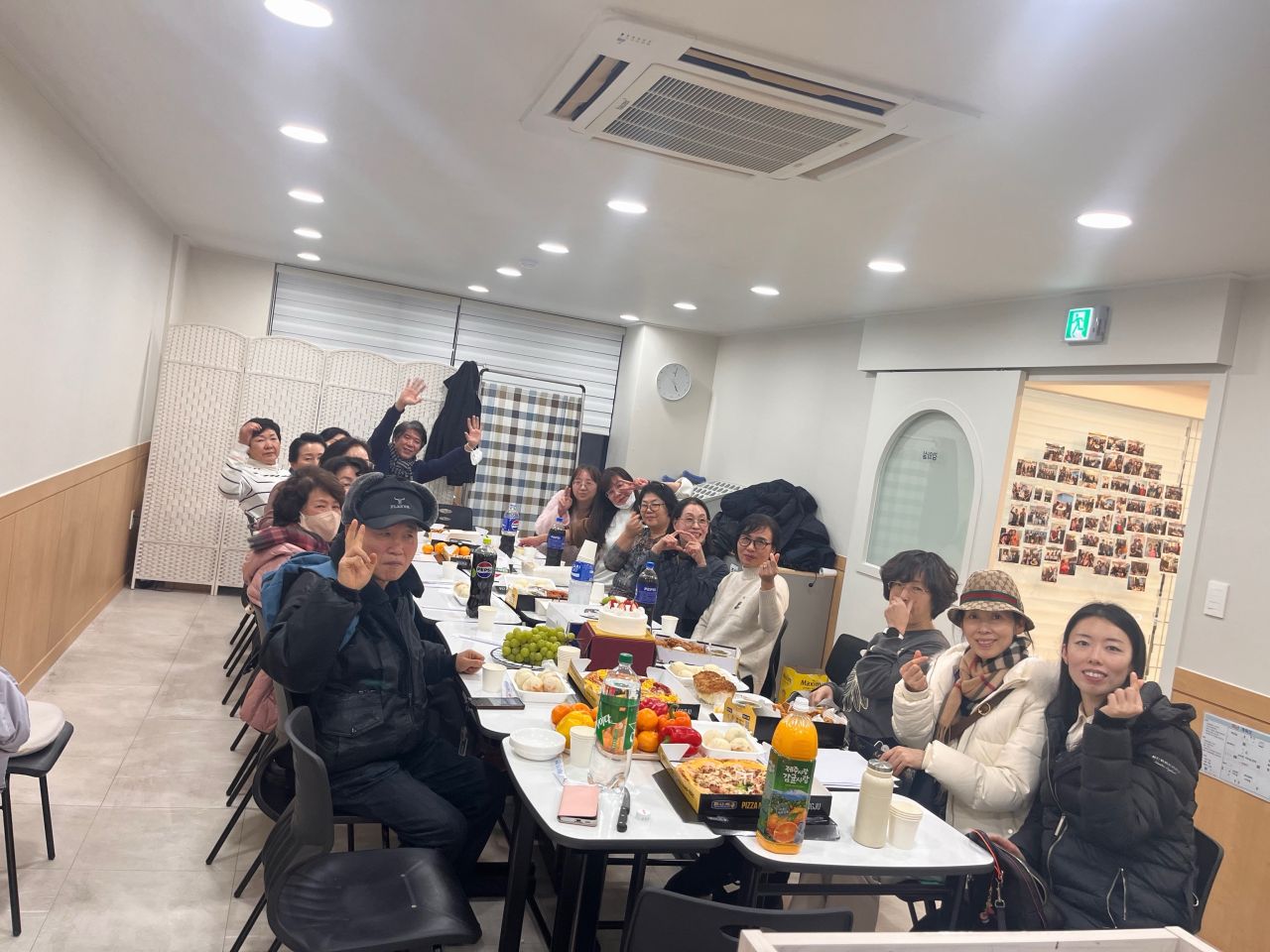
Chorong Park brought practical AI learning to the Carebom Caregiver Training Institute through a two-hour volunteer session on December 19, 2025. The aim was to connect unfamiliar tools with tasks caregivers already handle every day. [1]
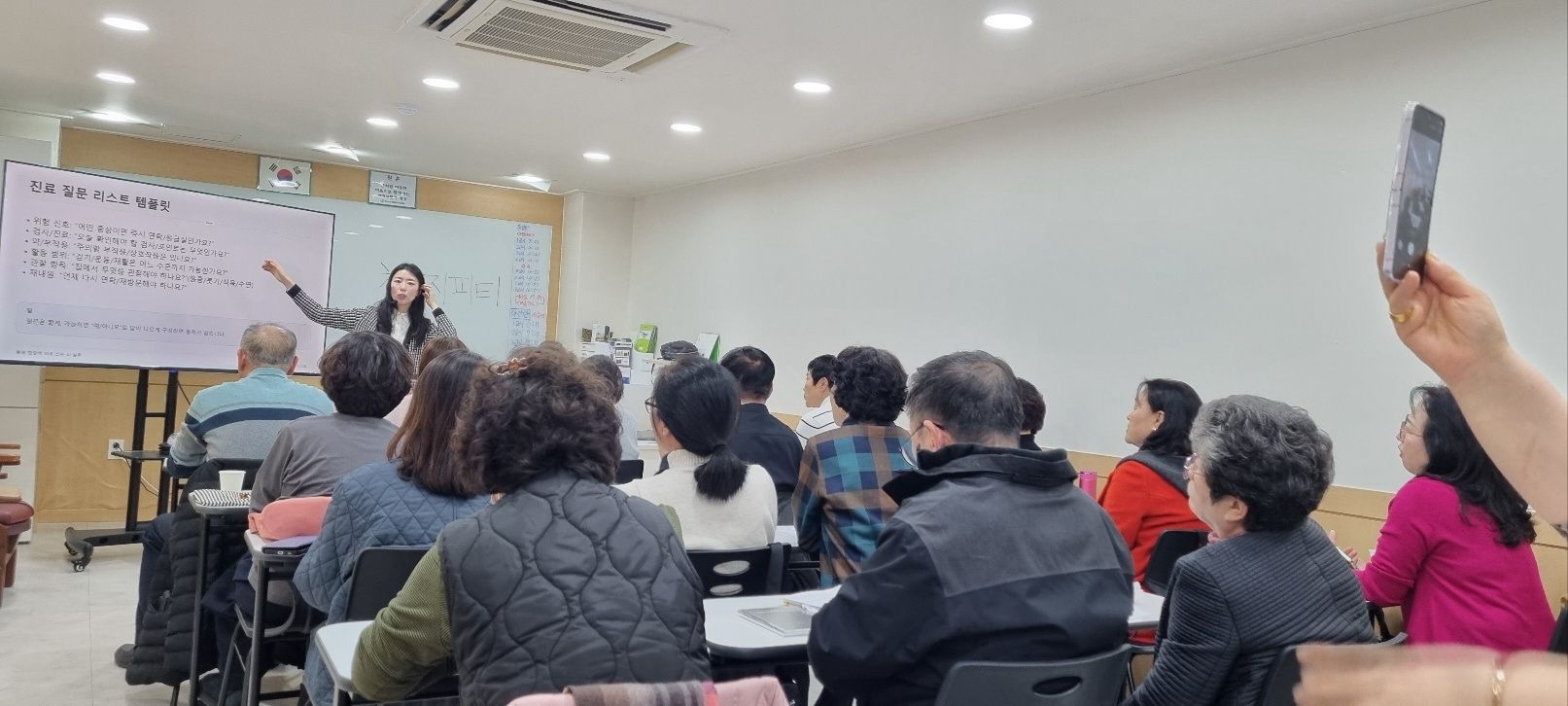
Participants worked through examples using ChatGPT and Gemini, including drafting appointment messages and preparing questions for a visit. Park built in breaks and practice time so learners could try each step rather than just watch a demonstration. [1]
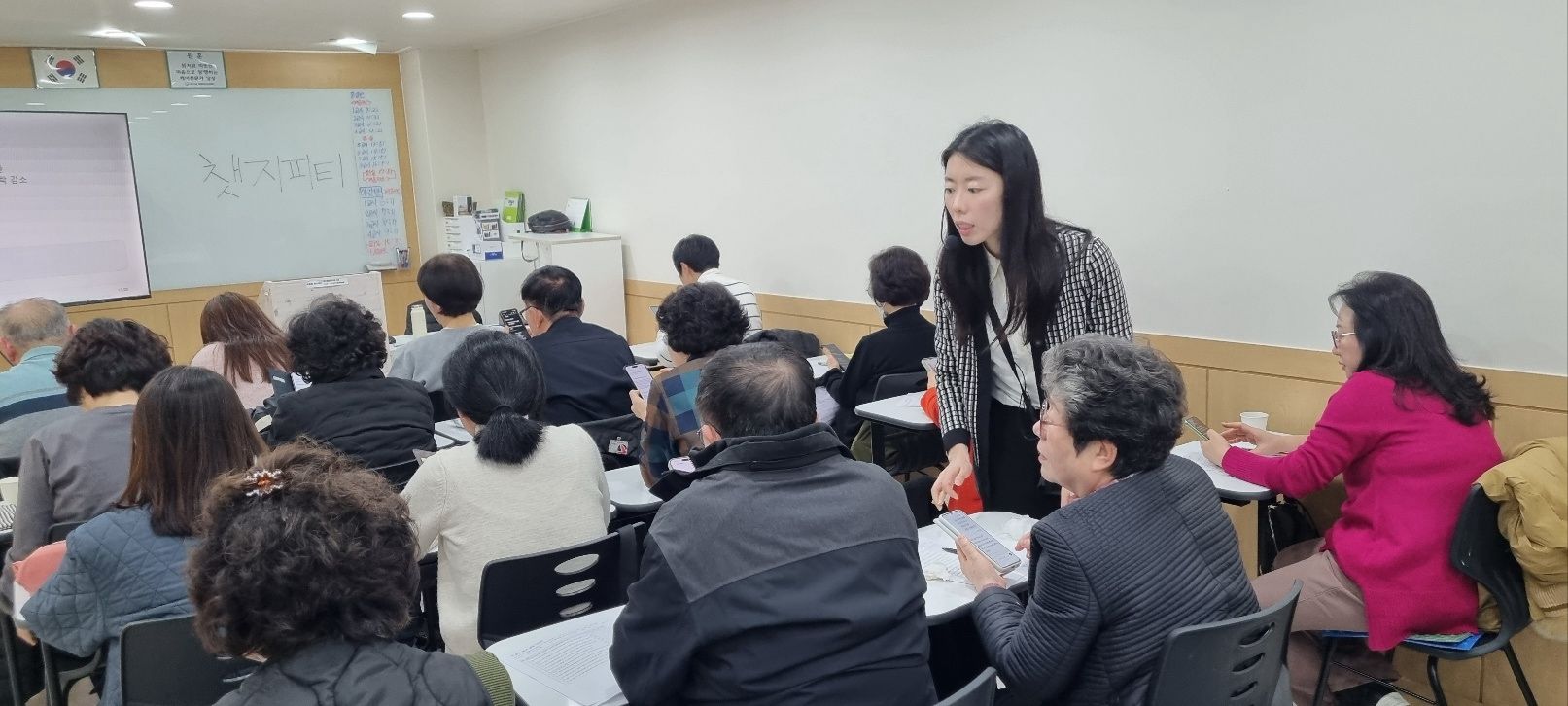
The session kept a clear boundary: generated answers are drafts to verify, not medical decisions. Privacy protection and professional judgment remained central, especially when a question touched on someone's health. [1]
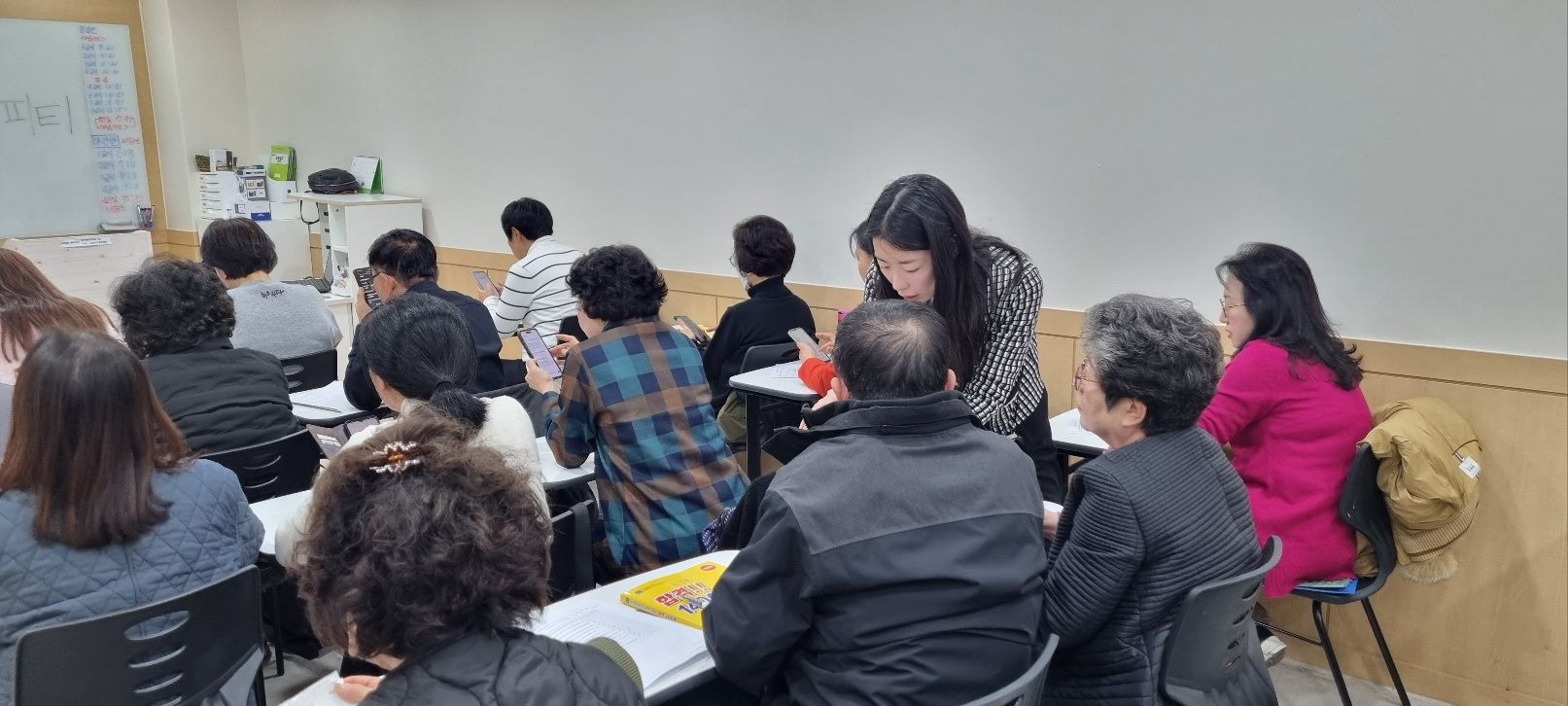
For Park, the takeaway was that AI made more sense when presented as support, not authority. She sees potential in reducing communication and paperwork demands so caregivers can keep their attention on people, and welcomed interest in similar Korean- or English-language sessions. [1]
Sources
Adapted from Chorong Park's LinkedIn post. LinkedIn images are presented in their original order.